Galactic Mandate Linux

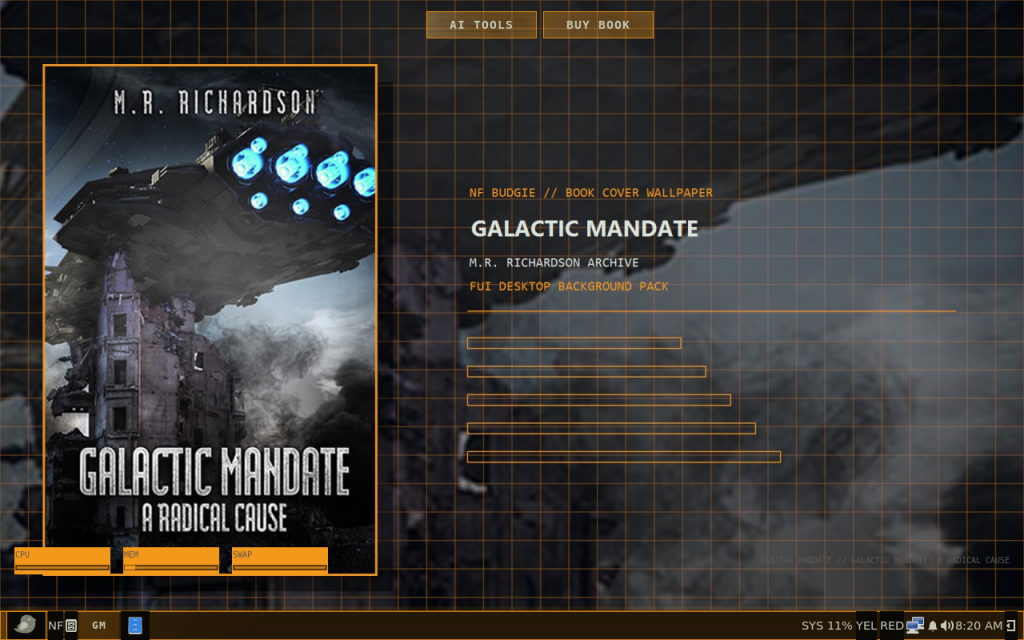
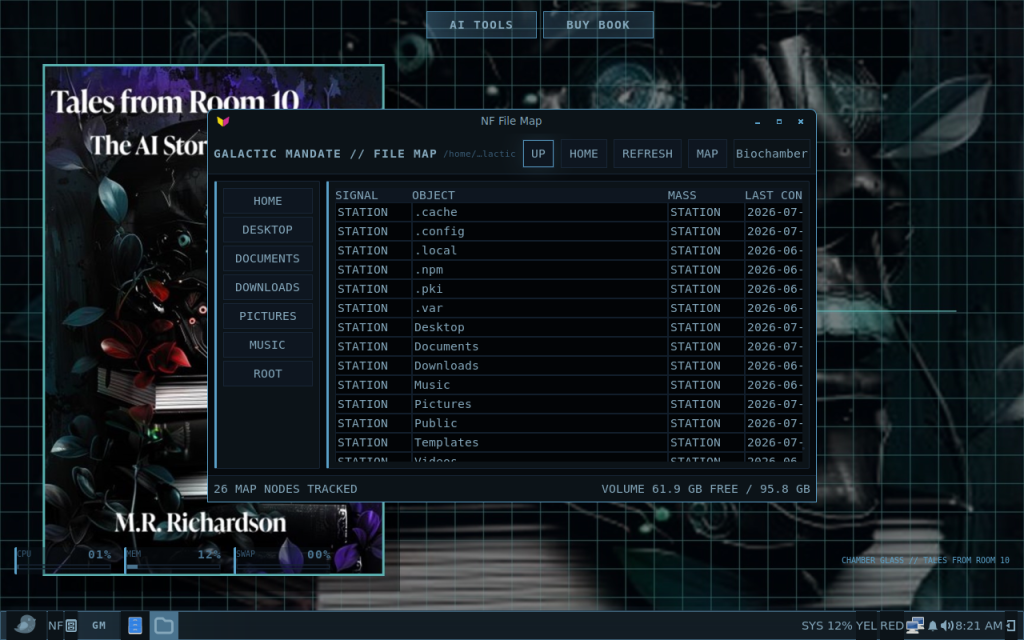
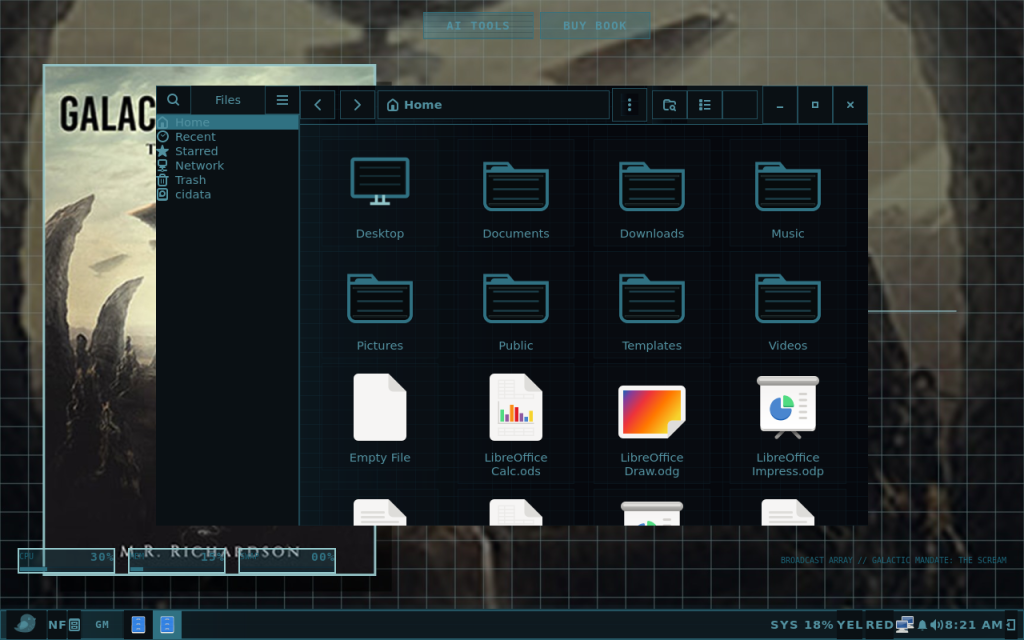
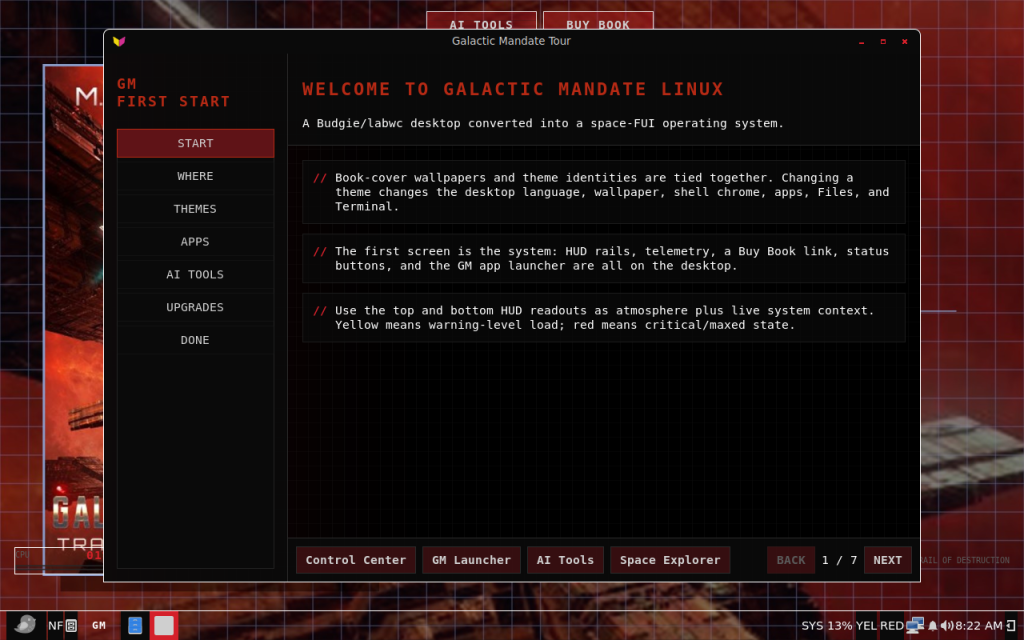
Galactic Mandate Linux desktop

Galactic Mandate Linux

A usable Ubuntu Budgie desktop transformed into a living science-fiction operating system.

Galactic Mandate Linux combines a practical Linux desktop with themed interfaces, responsive visual effects, custom applications, alerts, telemetry, AI tools, and an evolving science-fiction identity.

Current Release: v01 Birthday Edition

Galactic Mandate Linux v01 Birthday Edition is the current recommended release. It expands the custom desktop, applications, themes, alerts, Control Center, AI tools, and visual effects introduced in previous versions.

Existing v.99 and v00 installations can upgrade to v01 through the official signed update channel without downloading another ISO or reinstalling Linux.

Before You Download

  • v01 is the recommended release for new and existing users.
  • The downloadable ISO includes the graphical installer.
  • An in-place upgrade updates an installed system but does not modify an older ISO or USB image.
  • Back up important files before installing or upgrading.
  • Use a USB drive with at least 8 GB of capacity.
  • Verify the downloaded ISO using the published SHA-256 checksum.

Choose What You Need

Download

Download the latest Galactic Mandate Linux ISO, view checksums, read release notes, or find an archived version.

Upgrade

Upgrade an existing v.99 or v00 installation to v01 through the official signed Galactic Mandate Linux repository.

Documentation

Find installation instructions, first-start information, application guides, maintenance help, and troubleshooting steps.

Community Forum

Ask questions, discuss themes and applications, share configurations, and get help from other Galactic Mandate Linux users.

Report a Bug

Search known issues before submitting a report. Include your version, hardware information, error messages, and steps needed to reproduce the problem.

News and Releases

Read release announcements, development updates, known-issue notices, and other Galactic Mandate Linux news.


What Makes Galactic Mandate Linux Different

A Living Desktop

  • Multiple science-fiction-inspired visual themes
  • Coordinated desktop and application styling
  • Responsive sound and visual effects
  • Alerts, telemetry, and system-status displays
  • Full-screen effects and transition sequences

A Practical Linux System

  • Built on Ubuntu Budgie
  • Familiar desktop applications and package management
  • Support for common Linux software
  • Custom Galactic Mandate applications
  • Signed software and upgrade repository
  • Live USB and graphical installation support

Getting Started

  1. Download the current Galactic Mandate Linux ISO.
  2. Verify the SHA-256 checksum.
  3. Write the ISO to a USB drive using a supported imaging tool.
  4. Boot the computer from the USB drive.
  5. Try the live environment before installing.
  6. Open the graphical installer when you are ready.
  7. Review the documentation after the first startup.

Supported Upgrade Paths

Installed versionAvailable targetRecommended actionReinstallation required
v.99v01Upgrade directly to v01No
v.99v00Use only when the historical v00 channel is specifically requiredNo
v00v01Upgrade directly to v01No
v01v01 maintenance updateUpdate repository packagesNo
Any version on a live USBNew v01 ISODownload and recreate the USBYes, for the USB image

The upgrade helper changes an installed system. It cannot update an existing ISO file or rewrite an older live USB image.


Need Help?

Use the documentation for installation and troubleshooting instructions. Use the community forum for questions and general support. Use the bug tracker when you can reproduce a software problem.

Before reporting a bug, record your Galactic Mandate Linux version, computer model, graphics hardware, installation type, error messages, and the steps that caused the problem.

Project News